AI Game Development: Tools, Workflows, and Limitations
· #game development #artificial intelligence #game dev #game assets #game design
Discover how to use artificial intelligence in indie game development by exploring practical tools, efficient workflows, and their real-world limits.
Artificial intelligence has radically transformed the indie game development landscape. What once required entire teams and months of handcrafted work can now be accelerated with the help of generative algorithms and virtual assistants. However, AI game development isn't a magic wand that builds a complete game at the press of a button. It is a powerful set of tools that must be thoroughly understood to optimize production without compromising the final project's quality.
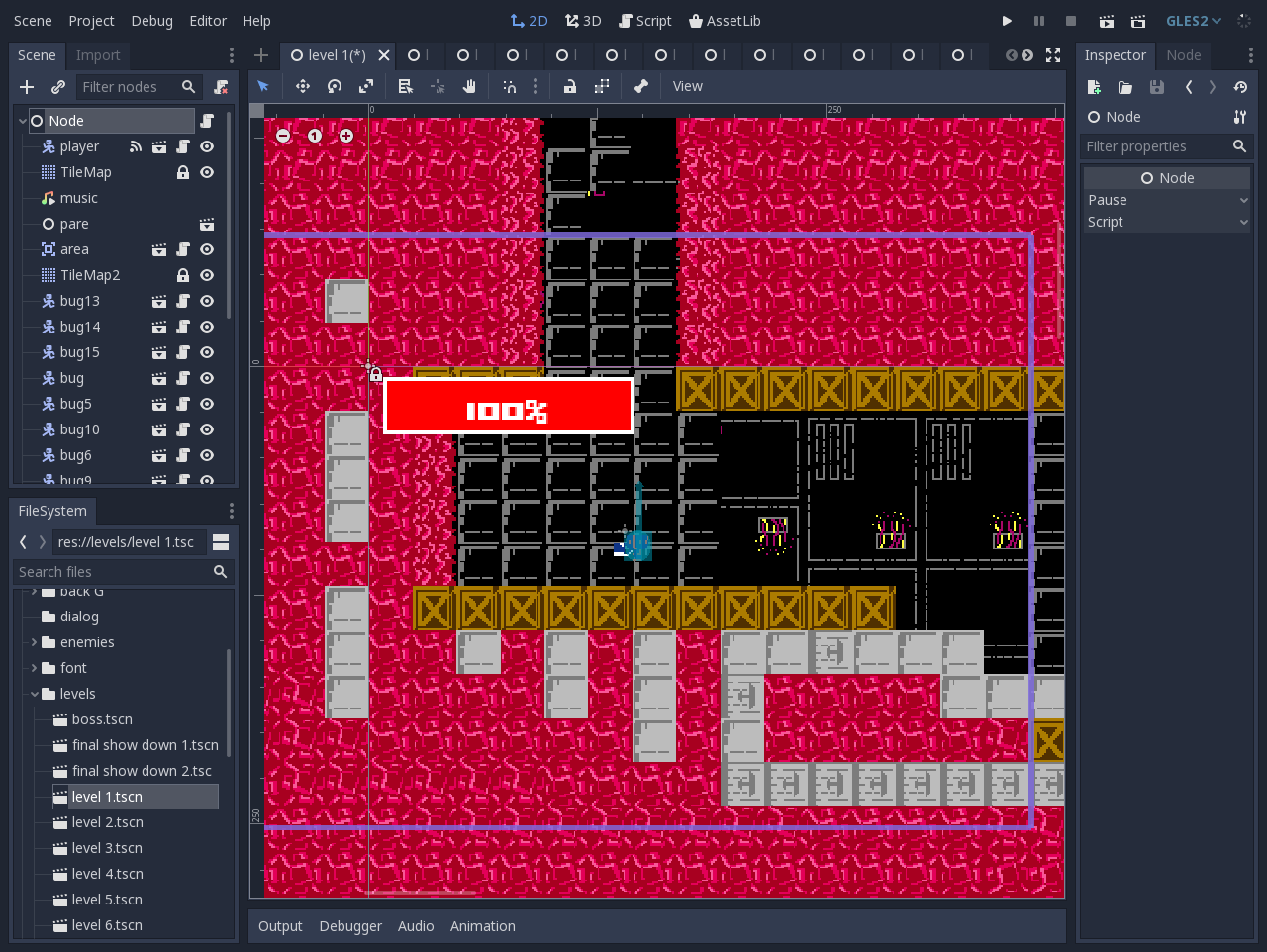 Interface of the open-source Godot engine used for game creation and prototyping. — Image: AfterCadaver · CC BY-SA 4.0 · Wikimedia Commons
In this article, we'll explore the main AI tools available for game devs, how to structure an efficient workflow, and where the real limitations of this technology lie during production.
AI Tools in Game Development
Artificial intelligence can assist across various stages of the game creation pipeline. The key is choosing the right tools for each specific need.
1. Code Generation and Game Logic
Tools like ChatGPT, Claude, and GitHub Copilot have become indispensable allies for programmers. They help with:
- Writing initial GDScript, C#, or C++ scripts for game mechanics.
- Identifying bugs and refactoring complex code in engines like Godot or Unity.
- Explaining mathematical algorithms for camera movement, pathfinding, or custom physics.
2. Text Generation and Narrative
For worldbuilding and dialogue, Large Language Models (LLMs) offer an excellent starting point. You can use AI to:
- Create biographies and backstories for side characters.
- Generate variations of random dialogue for NPCs (non-playable characters).
- Write item descriptions, quest logs, and lore texts.
3. Visual Concept and General Art
Image generators like Midjourney and Stable Diffusion have revolutionized the pre-production phase. They are ideal for creating mood boards, concept art, and testing color palettes before starting the production of final assets.
4. Audio and Sound Effects
AI-based audio tools allow you to generate generic sound effects (such as footsteps, explosions, and wind noise) or compose background music tracks for quick prototypes, saving resources in the early stages.
Practical AI Workflows in Game Dev
Integrating artificial intelligence into your workflow requires structure. Using AI without control often leads to rework and disorganization. Here is how to structure an efficient, practical workflow:
Step 1: Pre-Production and Rapid Prototyping
Use AI to validate ideas quickly. Generate visual concepts to establish the art direction and ask coding assistants for basic scripts to test the core gameplay loop. If the mechanic isn't fun in a basic prototype, you won't waste time creating final art.
Step 2: Assisted Production
In the production phase, use AI as a routine assistant. Ask the tool to generate code variations for performance optimization or draft quest structures. For artists, AI can serve as a reference for lighting, pose, and visual composition.
Step 3: Manual Polishing and Refinement
No AI-generated element should go into the game without human review. Adjust generated scripts to ensure compatibility with your project architecture, and refine images in software like Krita or GIMP to tweak saturation, edges, and transparency.
The Limitations of AI in Gaming
While promising, artificial intelligence has severe technical and artistic limitations that every game creator should be aware of.
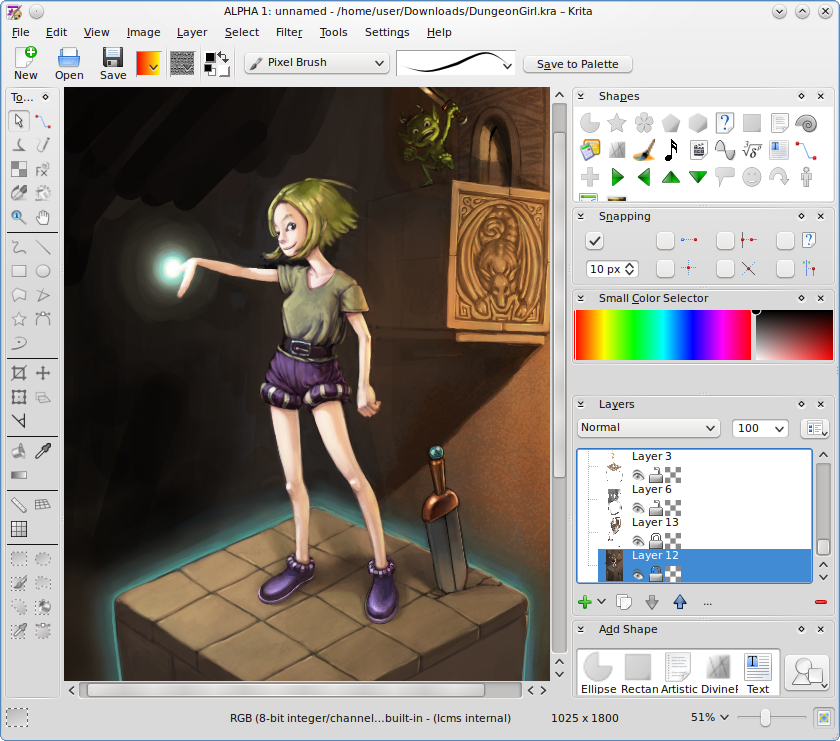 Manual editing and digital art tweaking in the open-source software Krita. — Image: Happy Mr Memebot · CC BY-SA 3.0 · Wikimedia Commons
Aesthetic Inconsistency and Visual Style
The biggest issue with AI-generated art is the lack of consistency. An image generator can rarely create the same character across 20 different poses with a perfectly aligned spritesheet. Subtle variations in line art, proportions, and details break player immersion.
Limitations in Animation and Rigging
Creating functional 3D models or 2D sprites requires more than just a pretty picture. It demands a clean mesh (proper topology), suitable UV mapping for texturing, and a bone structure (rigging) for animation. AI still struggles significantly to deliver engine-ready 3D production files.
Legal Issues and Copyright
The legal status of AI-generated content remains uncertain across various platforms, including Steam. Games that use AI-generated assets may face publishing restrictions or copyright issues if training models utilized protected works without authorization.
Lack of Cohesion and Intentional Game Design
AI generates output based on statistical patterns, not artistic intent. It doesn't understand the feel of a precise jump in a platformer or the timing of an attack in an action game. Game balancing requires human sensibility and continuous playtesting.
AI vs. Pre-Made Assets: When Should You Use Which?
Faced with AI's limitations, a question arises: when is it worth generating elements via artificial intelligence, and when is it better to rely on pre-made resources?
The answer lies in consistency and time efficiency. While AI is excellent for brainstorming, code drafting, and narrative ideas, turning to pre-made asset packs created by professional artists is usually much safer and more practical for the final game art.
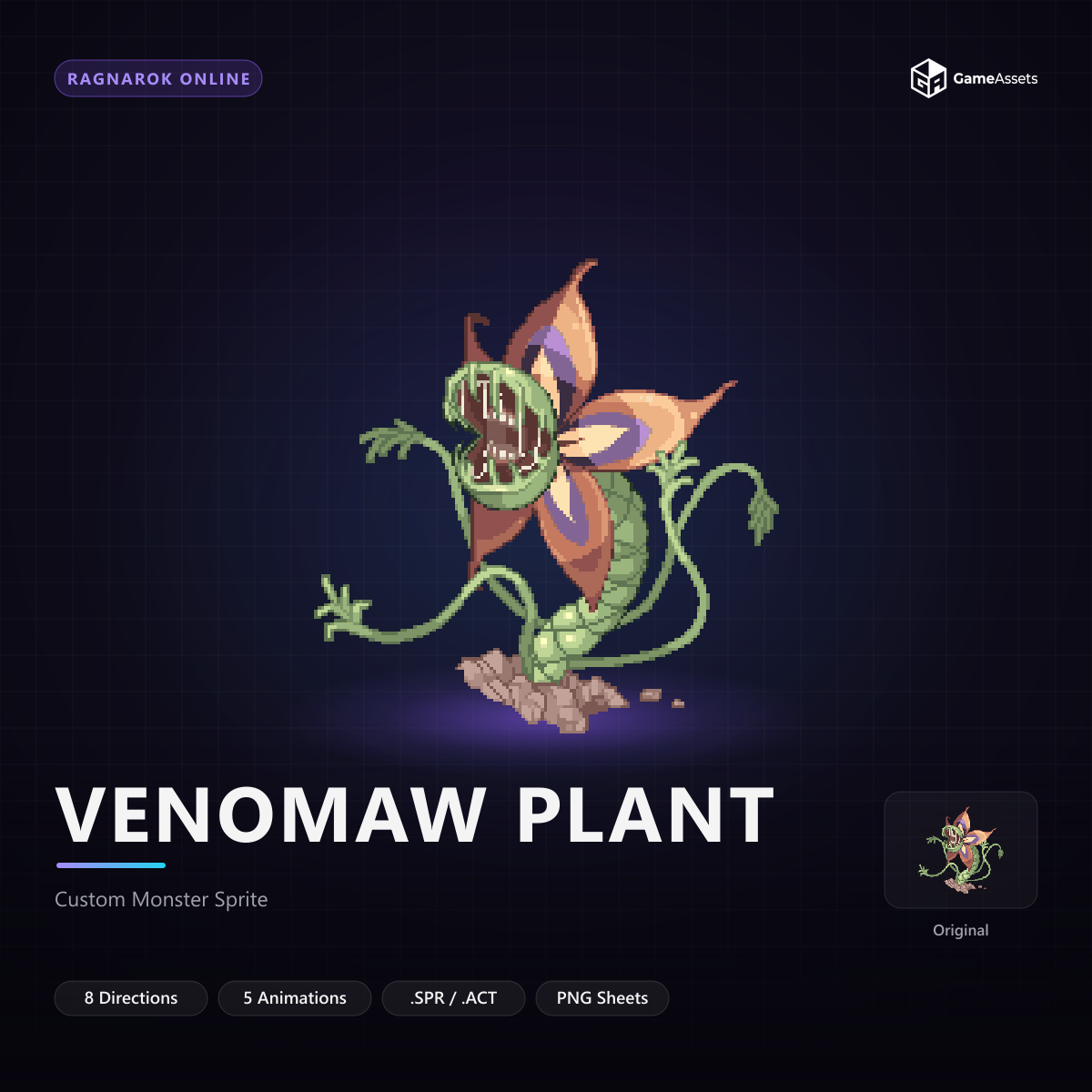
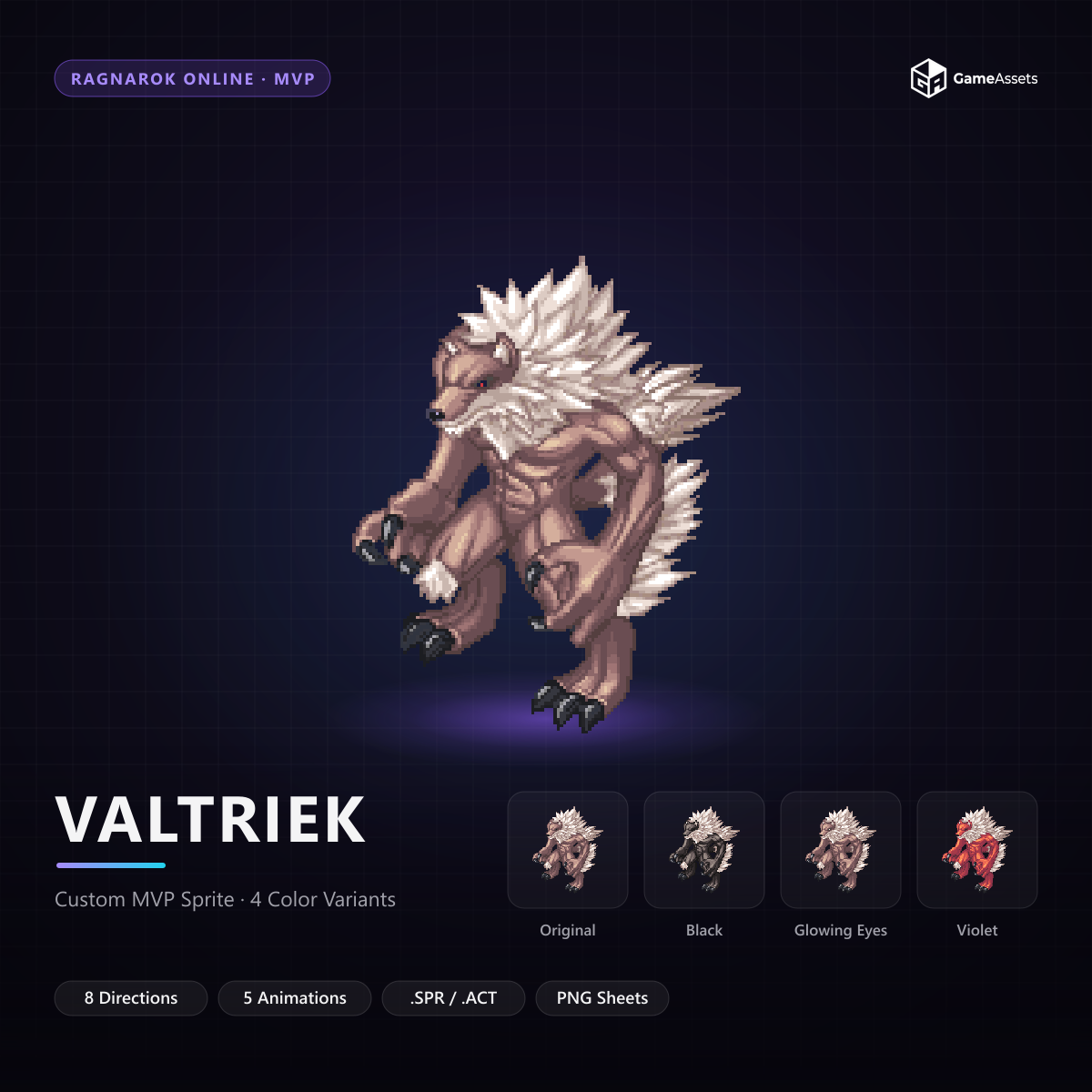
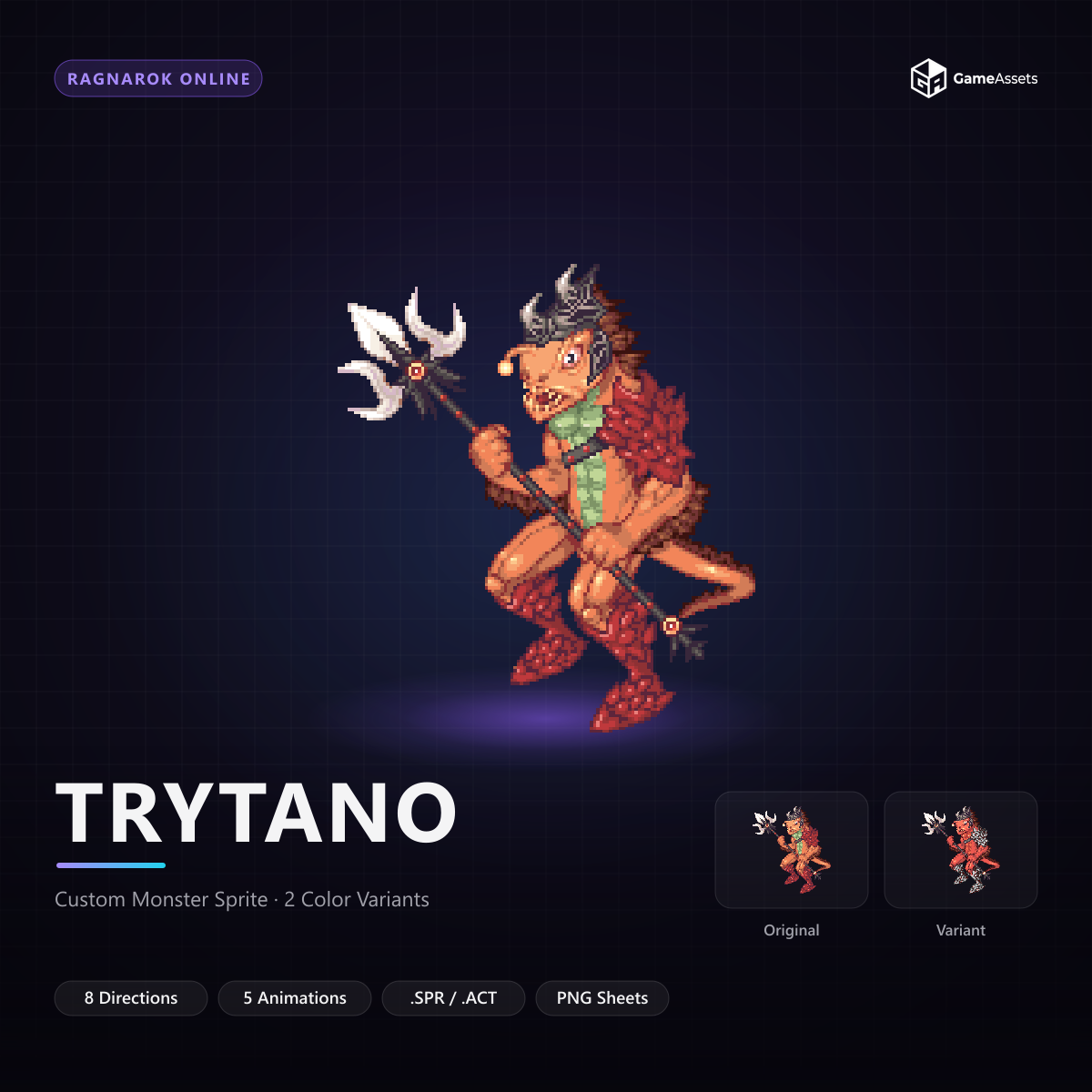
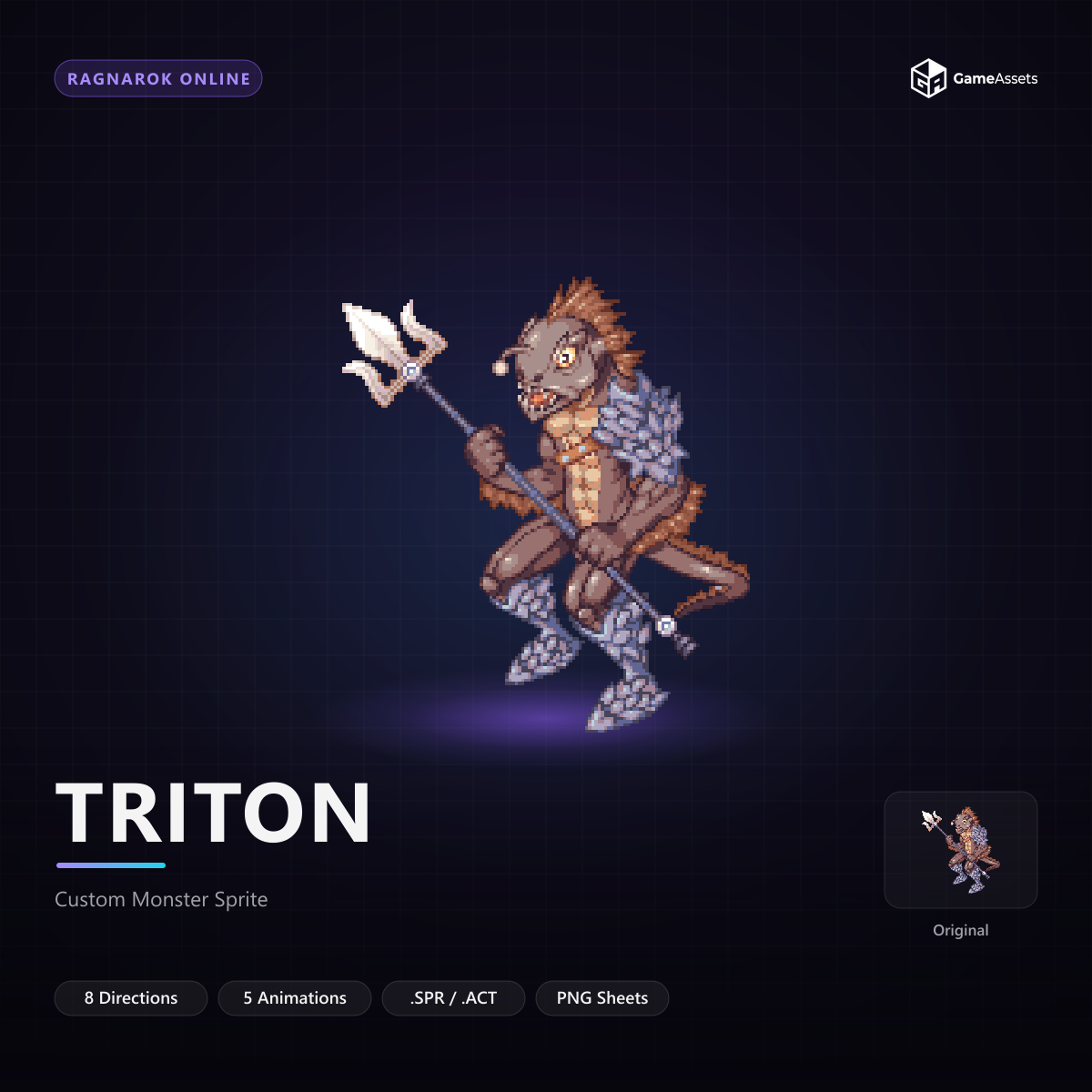
By using organized sets of 2D sprites, modular tilesets, optimized 3D models, or animated monsters created by professionals, you ensure:
- Perfect visual standardization: All items, environments, and characters maintain the same artistic style.
- Animation readiness: Aligned spritesheets and properly rigged 3D models save dozens of hours of editing.
- Legal peace of mind: A guaranteed clear commercial license to publish your game commercially on platforms like Steam or itch.io.
In many cases, using high-quality pre-made assets for visuals while leveraging AI to accelerate coding and dialogue creation offers the most balanced and efficient workflow for indie developers.
Conclusion: Finding the Right Balance
Artificial intelligence is here to stay and is a valuable ally for game developers, allowing small studios and solo devs to achieve results that were previously out of reach. However, it should be viewed as a copilot, not the author of the project. Mastering the balance between AI automation, the human touch in game design, and the smart use of optimized pre-made assets is the most efficient path to transforming your idea into a complete, fun, market-ready game.